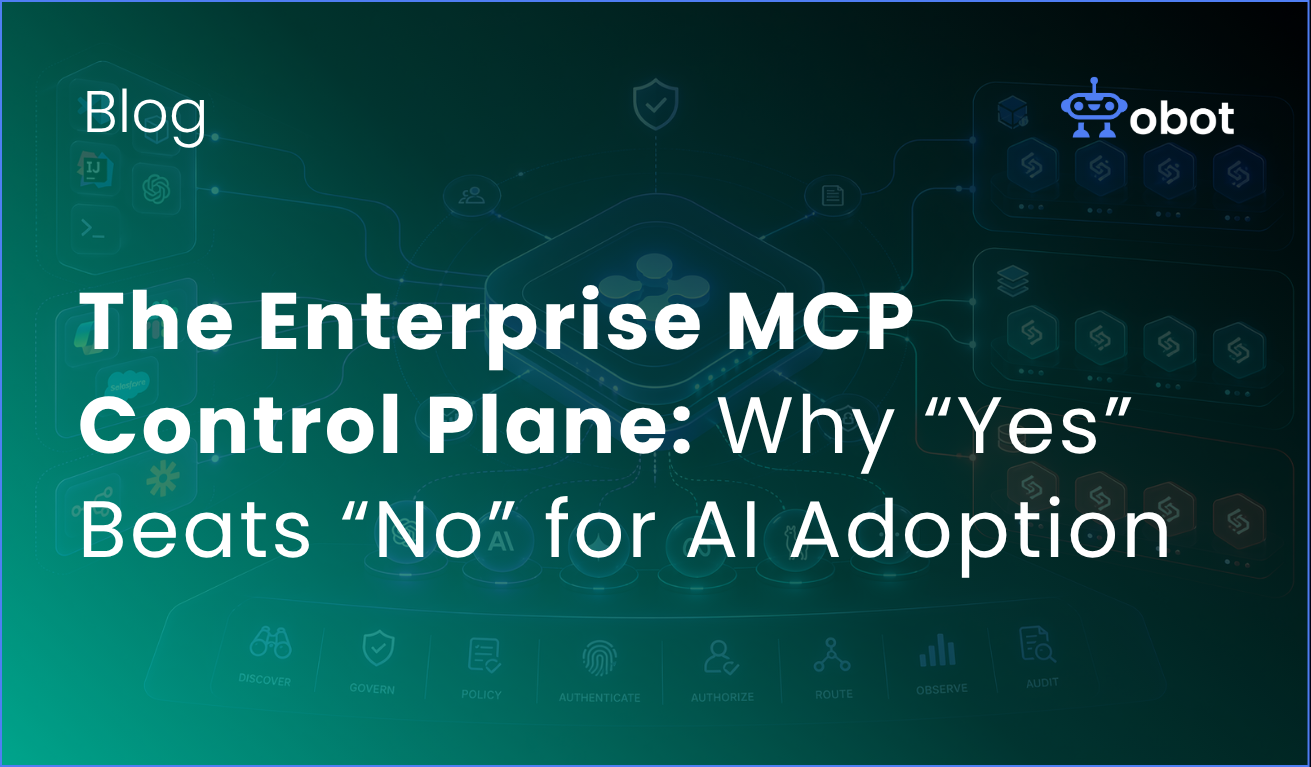
TL;DR: Enterprise AI is now a sprawling mesh of clients, agents, models, skills, and MCP servers — most of it adopted bottoms-up, much of it invisible to IT. The answer is not a bigger no. It is a control plane that turns approved MCPs and Skills into the easiest path for employees to use. That is how you get enablement and security at the same time — and right now is the moment to build it.
Eighteen months ago, “enterprise AI strategy” for most companies meant picking a chatbot vendor and writing a data-handling policy. That era is over.
Walk into any mid-sized engineering or operations team today and count the surfaces where AI is doing real work. On the developer side alone, you’ll find Claude Code, Cursor, GitHub Copilot, VS Code with Copilot or the Gemini CLI, and increasingly open-source coding agents like OpenCode and Aider. On the business side, there’s enterprise ChatGPT, Microsoft Copilot, Slack’s AI, Salesforce’s Agentforce, Cowork, and a long tail of embedded AI features inside every SaaS tool the company already pays for. Workflow platforms like n8n and Zapier have become de facto AI orchestration layers. And that’s before you count the agents people are building themselves.
The model layer has exploded too. A single team might route work across GPT, Claude, Gemini, Llama, and a handful of specialized or fine-tuned models depending on the task. And the connections those clients need — to apps (Jira, GitHub, Salesforce, Office, ServiceNow), to data (Snowflake, Databricks, internal warehouses), to systems (AWS, Azure, Kubernetes) — are multiplying faster than any central team can track.
The numbers back up what anyone on the ground can feel. Torii’s 2026 SaaS Benchmark Report found that large enterprises now average 2,191 applications, the average employee interacts with 40 applications, and 61.3% of all discovered applications qualify as Shadow IT — only 15.5% are formally sanctioned. Zapier’s survey of enterprise leaders found that more than one in four enterprises now use more than 10 different AI applications, and 70% still haven’t moved beyond basic integration for their AI tools. Larridin’s analysis is more blunt: the typical enterprise has 200 to 300 AI tools in active use — and only knows about 60 of them.
And the way those clients reach apps and data has gotten more complex, not less. MCP is the newest and fastest-growing integration surface, but it’s sitting alongside legacy tool-calling, proprietary plugins, browser extensions, OAuth apps, custom API glue, and now Skills — reusable instruction bundles that can be pulled from public registries or written by individual employees. There is no single path anymore. There are dozens, and they’re all live in production at the same time.
The oversight gap is real — and “No” is not working
Most of this adoption is happening with very limited policy, visibility, or control.
Developers are vibe-coding MCP servers and running them locally. Business users are trying out OpenCode and pulling down Skills from public registries. Ops teams are writing n8n flows that directly call partner APIs with scoped credentials that nobody approved. Everyone is moving faster than last year. A lot of that speed is real productivity. A lot of it is also new, concentrated risk.
The risk picture is well documented at this point. VentureBeat’s reporting on enterprise MCP adoption put it plainly: AI agents now carry more access and more connections to enterprise systems than any other software in the environment, which makes them a bigger attack surface than anything security teams have had to govern before, and the industry doesn’t yet have a framework for it. The practical failure modes are concrete — data exfiltration, unauthorized agent actions, overprivileged access, supply chain exposure, missing audit trails — and they compound because a single agent can chain across multiple MCP servers in one session.
Faced with that, a lot of organizations have reached for the oldest tool in the IT governance playbook: the big red “No.” Disable MCP at the client level. Block the open-source agents. Write a policy that lists twelve tools employees are allowed to use and forbids everything else.
It doesn’t work. Larridin’s research is consistent with what we hear from our own customers: organizations that respond to AI sprawl by blocking everything and mandating a single vendor per category see adoption stall — employees stop experimenting, the organization falls behind competitors, and paradoxically, the most resourceful employees find workarounds anyway, driving usage further underground. The “No” strategy doesn’t eliminate shadow AI. It just makes it invisible to the people who are supposed to govern it.
The better framing, as IBM and others have pointed out, is that employees using unapproved AI tools usually aren’t being malicious — they’re being resourceful. They found something that helps them do their job. The problem isn’t their behavior; it’s that the sanctioned path is slower, clunkier, or less capable than the unsanctioned one. Fix that gap and most of the shadow AI problem solves itself.
👉 Instead of blocking AI, see how Obot helps you govern it – try Obot today.
What “Yes” looks like
At Obot we started a year ago helping companies build, manage, and adopt MCP servers. Over the past year we have expanded that footprint, and more recently we have extended the same model to Skills. What we have been building is a management and control layer that sits at the intersection of two things that are both changing fast: the client and agent footprint employees actually use, and the apps, data, and systems those clients need to reach. If you want the step-by-step playbook that sits underneath everything in this post — discovery, architecture, gateway deployment, migrating shadow users, and enabling business teams — our Enterprise MCP Quick Start Guide walks through a 90-day path in detail.
The core idea is simple. Instead of a “No” sign, publish a “Yes” sign.
Concretely, that means giving every employee a single, approved registry of MCP servers and Skills they’re allowed to use — curated, versioned, and maintained. It means making it trivially easy to deploy those MCPs and Skills into whatever client a person actually works in: Claude Code for engineers, Cowork for operators, VS Code, Copilot, Slack, ChatGPT Enterprise, whatever the next one is. It means OAuth that works seamlessly so access to downstream services feels like a click, not a ticket. It means a support path so when something breaks — the MCP is down, the Skill version is wrong, the OAuth scope is off — there’s actually someone to call and a way to see what happened.
This isn’t theoretical. Cloudflare published a reference architecture recently for exactly this pattern, and their framing matches what we’ve seen repeatedly: locally-hosted MCP servers are a security liability that rely on unvetted software sources and versions and leave it up to individual employees to decide what to run and how to keep it up to date — a losing game — so a centralized team manages MCP server deployment across the enterprise, giving developers a templated framework that inherits default-deny write controls, audit logging, and identity-based access out of the box. That is the shape of the answer. The specific products vary. The pattern doesn’t.
Done right, the approved registry becomes the path of least resistance. It’s faster to find and install a vetted MCP from the internal catalog than to build one from scratch or grab something unvetted off the public internet. It’s faster to pull an approved Skill than to write a new one. You haven’t banned experimentation — you’ve just made the safe path the easy path.
The control plane is also the enforcement layer
This stance — controlled support for Enterprise MCPs and Skills — has a second benefit that’s easy to undersell. Once you have a real control plane, you also have a real place to enforce policy.
That means a lot of things that were previously impractical become straightforward:
Access control policies tied to identity and role, so the MCP servers a finance analyst can reach aren’t the same ones an SRE can reach. Full audit and governance, so when someone asks “which agent touched this customer record on Tuesday,” there’s an answer. Filters on the data plane — PII redaction before prompts leave the org, scanning for malicious content injected via tool responses (a real MCP attack vector that research has been flagging for months), classification of outbound data by sensitivity.
And increasingly, the control plane becomes an *enforcement* layer, not just an observation layer. This is where the MCP ecosystem has matured a lot in the last six months. GitHub Copilot now supports internal MCP registries with allowlist enforcement — admins upload a registry URL, select the “Registry only” policy, and developers can only use servers listed in the registry; all others are blocked at runtime with a clear policy message. Gemini CLI supports includeTools and excludeTools allow lists at the server and tool level. LiteLLM and similar gateways let you restrict tool access by key, team, or org. The clients are, finally, giving enterprises the hooks they need.
What that unlocks is powerful: when authorized clients are constrained to authorized MCPs, a whole class of shadow-MCP risk disappears by construction. On the Skills side, the same logic applies in the other direction — you can *push* required Skills to employees’ clients, and you can use Skills that enable other Skills to build up role-appropriate capabilities without asking every user to configure their own environment.
This is where the “Yes” strategy starts to compound. You’re not just enabling adoption — you’re enabling adoption inside a perimeter you can see, audit, and harden. That is why enterprises need MCP governance now.
Why now
Three things are true at the same time right now, and they won’t all be true for long.
First, the client and agent landscape is still settling. Copilot, Claude Code, Cowork, Cursor, Agentforce, ChatGPT Enterprise, the open-source agents — nobody knows which ones will matter most in two years. Enterprises that try to standardize on one client are making a bet they’ll probably regret. A control plane that works across clients lets you defer that bet.
Second, MCP itself has hit critical mass but not yet full maturity. There are more than 10,000 active public MCP servers, with official support from Microsoft Copilot and Visual Studio Code via GitHub Copilot. Gartner projects 40% of enterprise applications will feature task-specific AI agents by the end of 2026, up from less than 5% in 2025. The protocol is becoming the default connective layer for enterprise agentic AI. But governance tooling is still coalescing, which means there’s still room to get ahead of the sprawl rather than clean it up after.
Third, the security concerns are no longer hypothetical. VentureBeat’s reporting captured the current state well: agentic AI is moving faster than enterprises can build guardrails, and MCP, while decreasing integration complexity, is making the problem worse. Research has found command injection vulnerabilities in a significant share of tested MCP implementations. Boards and CISOs are asking for answers. If you build the control plane now, you get to have real answers when they ask.
The organizations that are moving fastest on AI aren’t the ones with the strictest policies. They’re the ones whose employees have the most productive tools, and whose security teams have the most visibility into how those tools are being used. That’s not a contradiction — it’s the whole thesis. The control plane is the thing that makes both true at once
If you are building out your Enterprise MCP strategy, the moment to design the control plane is now, before your registry is 300 servers deep and your audit logs are six months retroactive. Post the yes sign, curate what is behind it, and put the enforcement, identity, and governance layer in the one place where it can actually see everything. That is the layer that lets you move fast because you are secure, not in spite of it
For a more detailed, week-by-week look at how to get there — from discovering shadow adoption to enabling business users across the org — grab our Enterprise MCP Quick Start Guide.