Understanding the Importance of MCP Gateways for Enterprise AI
This page is designed for enterprise AI practitioners, developers, and IT leaders who are grappling with the challenges of managing Model Context Protocol (MCP) server sprawl, security, and governance. Here, you’ll learn what an MCP gateway is, why it matters, and how it solves the problems of MCP sprawl and security in modern AI environments. Understanding MCP gateways is crucial for anyone responsible for deploying, scaling, or securing AI integrations across multiple systems, as these gateways transform unmanaged AI integrations into a secure and scalable infrastructure for enterprises.
This page will explain the role of MCP gateways, their importance in managing MCP sprawl, and how they enable organizations to secure and govern data access while scaling AI interactions across multiple systems.
What Is an MCP Gateway?
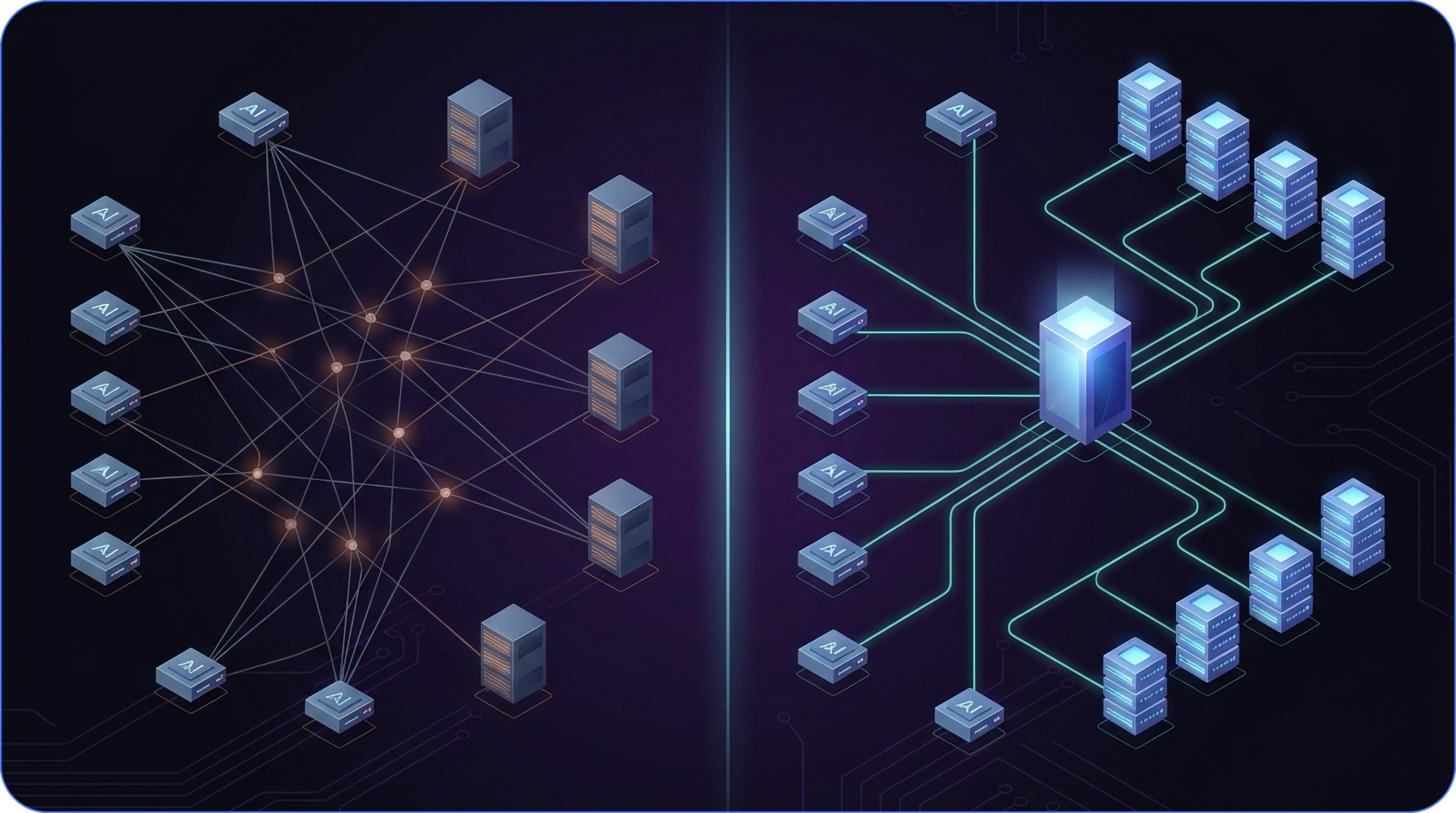
At its core, an MCP gateway acts as a reverse proxy and management layer for Model Context Protocol (MCP) servers, providing a single, secure entry point for AI clients while handling authentication, routing, and policy enforcement.
An MCP gateway serves as a centralized infrastructure component that transforms unmanaged AI integrations into a secure and scalable environment for enterprises. By consolidating access to multiple MCP servers behind a single, secure endpoint, it simplifies client configurations and ensures consistent enforcement of authentication, routing, and security policies.
This centralization is critical for organizations aiming to manage AI tool access effectively while maintaining governance and operational efficiency.
The Problem: MCP Sprawl and the Need for Centralization
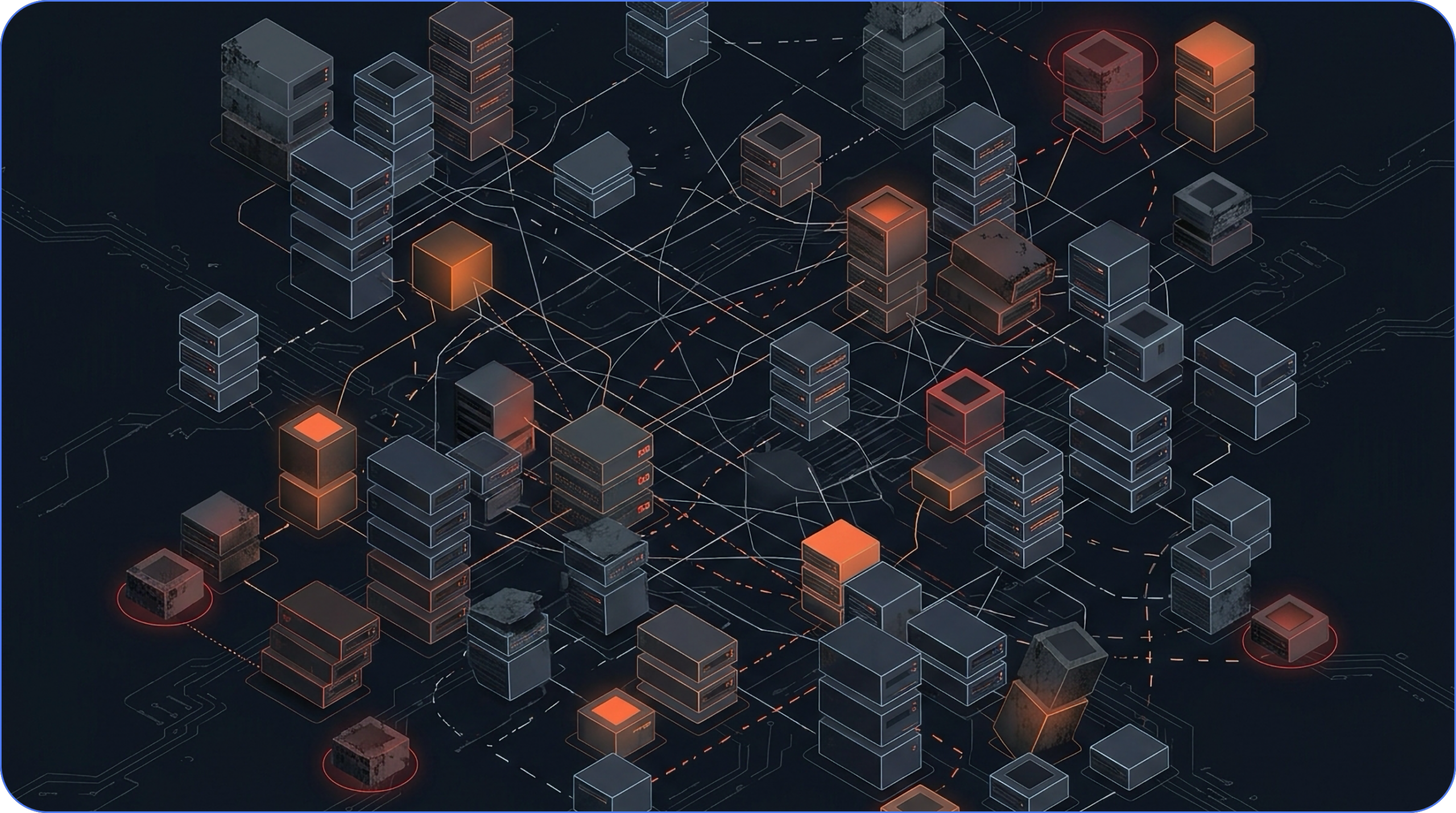
The Rapid Claw audit found 52% of public MCP servers are effectively dead. Practitioners stop arguing about that number once they’ve spent real time in the ecosystem, because it matches what they’re finding on the ground. Centralizing that exposure through an MCP gateway is essential infrastructure for managing the enterprise MCP network and supporting a secure, unified AI environment. The entire MCP ecosystem serves as a comprehensive framework for managing all components, tools, and integrations, which is especially critical for enterprise AI deployments that demand secure, scalable solutions tailored for large organizations.
A developer posting their production lessons to r/mcp put it plainly: they evaluated 13 community servers, kept 6, and forked 2 of those because the maintainers had gone dark. A 54% attrition rate, almost exactly matching the audit. That’s a pattern, not a statistical outlier. As AI agents now operate with extensive system access, the risks of credential exposure and autonomous actions without proper governance have increased, making robust security and oversight even more crucial.
What “Dead” Means in Practice
Dead doesn’t always mean a 404. It means no recent commits, no response to open issues, no CI pipeline catching regressions, and no one patching CVEs when they land. The server may still run. It may even still work for a narrow use case. But it has no owner, which means any vulnerability discovered tomorrow stays unpatched indefinitely.
This is the unmaintained npm problem, now at the agent layer. The MCP ecosystem grew quickly enough to generate hundreds of public servers before any real community curation could keep pace. Teams pulled servers in during the honeymoon phase, added them to agent configurations, and moved on. Model context protocol servers form the infrastructure layer, with the MCP gateway acting as a management and security intermediary that centralizes control over multiple protocol servers, handles authentication and routing, and enforces policies to secure and organize AI tool access. For developers who deployed MCP servers like they were at a casino with free money, the question of who would maintain those servers over the next 18 months often went unasked.
CVE-2026-32211, a missing auth vulnerability in the Azure DevOps MCP server with a CVSS score of 9.1, made the stakes concrete. According to the same practitioner account, that disclosure forced an inventory of what each server in their stack could actually touch. Most teams haven’t done that audit.
This lack of maintenance and oversight highlights the need for a more centralized approach, which is where the MCP gateway becomes essential.
The Vetting Framework You Need
Why Vetting Matters
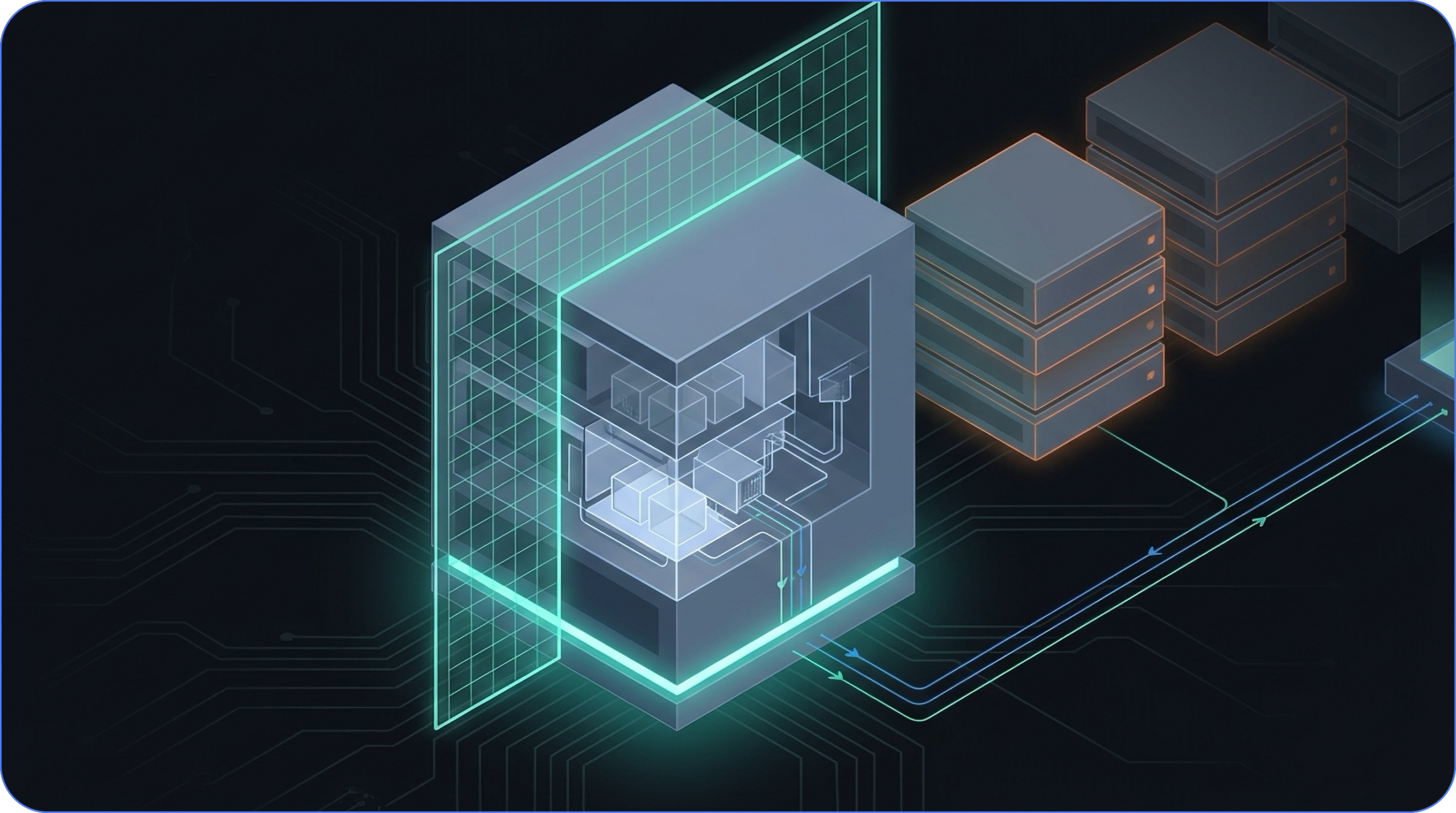
Every community MCP server should be treated as an unmaintained dependency requiring security review before installation, not after. The rapid growth of the MCP ecosystem has led to hundreds of public servers, many of which lack ongoing maintenance or security oversight. Without proper vetting, organizations risk introducing vulnerabilities, unpatched CVEs, and unknown attack surfaces into their AI infrastructure.
Steps for Vetting MCP Servers
To ensure security and operational stability, teams should:
- Check commit history and issue response rates before adopting any server.
- Read every tool description before the server touches a model context window.
- Understand what credentials and system access each server can reach.
- Maintain robust tool discovery and keep tool definitions up to date to ensure new tools are properly vetted and configured.
Operational Burden of Multiple Servers
For teams running multiple servers, this vetting burden compounds quickly:
- Nine servers means nine attack surfaces to inventory.
- Nine maintenance histories to track.
- Nine places where a silent failure or unpatched CVE can create exposure.
While the MCP client is responsible for constructing protocol requests and managing communication, the MCP gateway acts as an independent infrastructure component that enforces policies and manages routing between clients and servers. An MCP Gateway simplifies client configuration by providing a single URL for all MCP traffic, reducing the complexity of managing multiple server connections. Centralizing that visibility through an MCP gateway isn’t just an operational convenience; at that scale, it’s the only way to maintain coherent oversight.
Transitioning from manual vetting to centralized management sets the stage for addressing deeper security assumptions and vulnerabilities.
CVE-2026-32211 and the MCP Security Assumptions Nobody Audited
The Structural Vulnerability
One engineering team four months into production MCP deployments described it plainly: the CVE forced them to inventory what each server in their stack could touch. Before that, they hadn’t done it. When they asked peers in similar positions, most of them hadn’t either.
The real vulnerability is structural. CVE-2026-32211 is a specific, patchable bug, but the permissions inventory problem runs deeper. Teams add MCP servers during evaluation, wire them to credentials and internal systems, and ship. The question of what data each server can reach, and under what conditions, often never gets a formal answer. This lack of visibility increases the risk of exposing sensitive data, such as PII and secrets, making strong security controls, including audit logging to track access and changes, essential for compliance and incident response. Multiply that across nine servers and you have nine undocumented blast radii, any one of which becomes a critical path the moment something goes wrong.
Tool Description Poisoning and the Trusted Context Problem
The permissions gap has a sibling problem that’s harder to see in a diff or a CVE database. MCP tool descriptions are injected directly into the model’s context window and treated as trusted content. The model reads them the same way it reads a system prompt.
That trust relationship is the attack surface. A compromised server, or a malicious one that passed initial vetting, can embed instructions inside tool descriptions that manipulate model behavior without triggering any traditional security control. There’s no network anomaly or authentication failure. There’s no log entry that looks like an intrusion. The model simply follows instructions it was given through a channel nobody thought to monitor.
Invariant Labs published the canonical demonstration of this poisoning vector, and the practitioner writeup referenced above confirmed the same conclusion from production experience: for the first seven servers they added, nobody read the tool descriptions before install. The descriptions went straight into model context, unseen.
A commenter on the r/mcp thread summarized the pattern with precision: “‘Tool descriptions are just labels’, until Invariant’s poisoning demo.” That assumption felt safe until it didn’t, which is how MCP security failures tend to arrive: not as obvious breaches, but as unverified assumptions quietly becoming liabilities.
An MCP gateway that normalizes and inspects tool descriptions before they reach the model context window closes this vector at the infrastructure layer, where enforcement is consistent rather than dependent on per-server manual review. Implementing robust threat detection mechanisms and comprehensive access control policies within the MCP gateway is essential to monitor and restrict tool access, reducing the risk of poisoning attacks and ensuring secure, auditable agent-tool interactions.
Transitioning from security assumptions to practical deployment, the next section explores how MCP gateways streamline integration and scalability.
Leveraging STDIO with an MCP Gateway for Scalable, Secure Access
STDIO is an ideal transport protocol for local, single-client MCP servers due to its simplicity and efficiency. However, when deploying multiple MCP servers or supporting multi-user environments, managing STDIO connections directly can become complex. An MCP gateway enables minimal setup for integrating multiple servers, allowing quick and easy deployment with little configuration required, and helps teams choose between a single gateway and multiple MCP servers as their deployments scale.
An MCP gateway addresses the STDIO challenge directly by aggregating fleets of STDIO-based servers and exposing them as a remotely accessible, authenticated HTTP service. This approach allows tool authors to continue using STDIO without needing to handle HTTP, authentication, or infrastructure concerns themselves.
By centralizing routing, authentication, and policy enforcement, the MCP gateway transforms local STDIO servers into scalable, secure components of a broader AI ecosystem, simplifying operations while maintaining developer productivity.
With the transport and integration challenges addressed, the next hurdle is authentication and access control at scale.
The Auth Tax: Four Specs, One Tool Call, Zero Shortcuts
OAuth looks simple until you’re implementing it for production MCP. Then the spec count starts climbing.
One practitioner who built managed MCP infrastructure from the ground up put the math plainly: OAuth 2.1 plus RFC 9728 (Protected Resource Metadata) plus PKCE adds up to roughly four separate specifications you need to implement correctly before a single tool call succeeds. Miss any piece of that stack and nothing works. There’s no partial credit.
To simplify this complexity, integrating with identity providers such as Azure Active Directory enables unified authentication across all MCP servers, centralizing credential management and ensuring consistent security policies throughout your enterprise environment; refactoring toward a composable MCP gateway infrastructure further reduces auth and routing complexity at scale.
The Credential Injection Pattern
The trap most teams fall into is implementing OAuth independently in each MCP server. Each server connects to a different upstream API, each API has its own auth requirements, and the result is fragmented credential handling, inconsistent enforcement, and a credential surface area that grows with every new server you add.
The architecture that holds up in production centralizes auth at a dispatch layer. The MCP server becomes a dumb proxy: it receives identity headers, forwards them to the upstream API, and does nothing else with credentials. The dispatch layer handles OAuth token validation, looks up the user’s encrypted credential, decrypts it, and injects it into the upstream request before it ever reaches the server.
Centralized management of API keys and enforcement of security policies at this layer are essential for enterprise security, ensuring uniform access controls, secure credential storage, and consistent authentication across all services, and it becomes a cornerstone of post-deployment MCP management and governance.
The benefits compound:
- Per-user revocation becomes a single operation rather than a coordination problem across multiple servers.
- Rate limiting becomes consistent.
- Audit trails become complete.
- Credential rotation happens in one place without touching client configurations.
Authentication Is Not Access Control
Getting OAuth right solves for authentication: the system knows who is making the request. Authorization, whether that user can call this particular tool, is a separate problem, and a fully custom one.
MCP Gateways can implement role-based access control (RBAC) and attribute-based access control (ABAC) to manage permissions, ensuring only authorized users can access specific tools and functionalities. They can also enforce Zero Trust security policies, requiring rigorous verification of every access request, including checks on device posture and network location before granting access.
The clean solution, according to the same production account, is enforcing both at the dispatch layer before requests reach the MCP server. One enforcement point, consistent policy, applied uniformly across every MCP in the fleet. This is where MCP gateway architecture earns its keep beyond simple routing: centralizing policy enforcement converts MCP security properties from per-server implementation decisions into infrastructure-level guarantees.
With authentication and access control centralized, the next challenge is operational stability and monitoring.
Silent Failures: The Five Ways MCP Breaks After 100 Requests
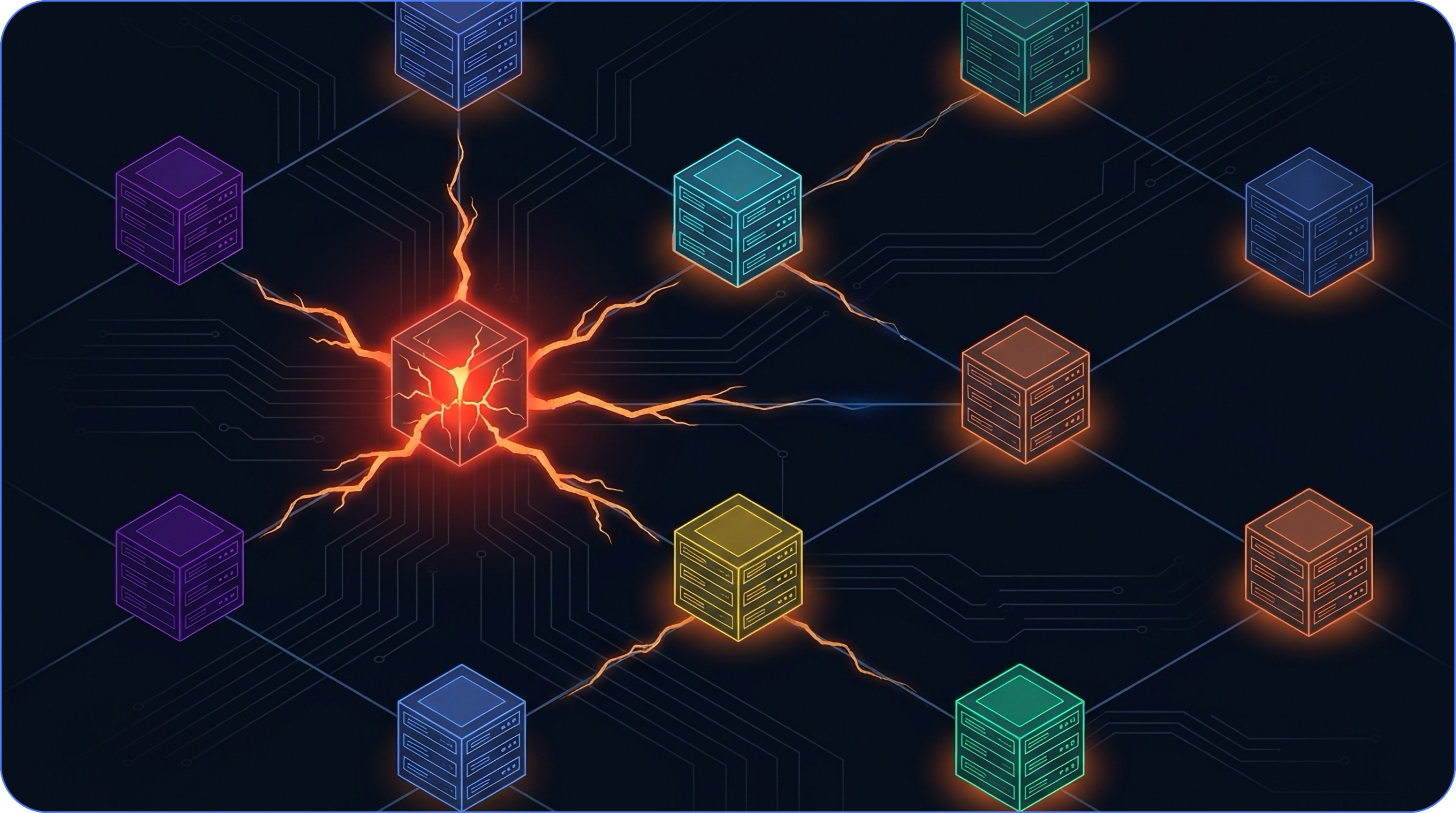
Centralizing transport normalization and monitoring is essential, but so is managing the entire server lifecycle, monitoring and securing MCP traffic, and maintaining a comprehensive audit log for operational stability and compliance.
The Five Failure Modes
The failures that surface after your first hundred requests share a common trait: none of them announce themselves. The server keeps running. The logs look clean. Something downstream just quietly stops working.
A practitioner running six MCP servers across a three-month production deployment captured the asymmetry precisely: 15 minutes to deploy, 15 hours per week to maintain. That 60x ratio doesn’t improve with experience. It compounds with every server you add.
The five most common failure modes are:
- Stdout/stderr contamination: Console logs injected into stdio streams corrupt JSON-RPC frames at the transport layer. The server doesn’t crash. It simply stops responding to certain tool calls, silently. According to production pattern analysis from practitioners in the r/mcp community, this is the first thing to check when a server starts dropping tool calls after sustained load.
- Error truncation: When a tool call fails inside a dependency, the error gets stringified, truncated, or swallowed entirely. The client receives {“error”: “Internal server error”} with no traceback, no layer context, no actionable signal. Diagnosing which component failed becomes guesswork.
- Undefined connection lifecycle: The stdio transport specification is silent on timeout and reconnection behavior. When a server goes idle after processing N requests, neither the client nor the server has a protocol-defined way to distinguish “server busy” from “server dead” from “transport pipe closed.” Heartbeat mechanisms are left as an exercise for the implementer.
- No native liveness probes: Kubernetes liveness probes and load balancer health checks assume HTTP or gRPC endpoints. MCP stdio servers expose neither by default. Your deployment orchestrator has no instrumented way to detect a crash or identify failing servers, making it difficult to detect and manage unresponsive or malfunctioning servers and increasing operational risk. You find out when tool calls start failing.
- Version negotiation in name only: The spec defines a version negotiation handshake. In practice, neither side validates what was negotiated. Protocol format mismatches between client and server drift silently until something breaks, at which point the version mismatch is usually the last thing anyone checks.
These five failure modes are where the maintenance hours go. Monitoring stdio streams, instrumenting error propagation, building heartbeat tooling, wiring up health endpoints outside the MCP transport, auditing version drift after client upgrades. None of it is complicated individually. Together, across a fleet of servers, it’s a part-time job.
Centralizing transport normalization, health monitoring, and protocol version enforcement at a single ingress point removes these problems from the per-server implementation backlog and aligns directly with best practices for hosting and running MCP servers securely. Problems solved once at the infrastructure layer stay solved, rather than resurfacing every time a new server joins the fleet.
With operational risks addressed, the next section explores how MCP gateways bring order to the chaos of server sprawl.
The Gateway Architecture: From Fan-Out Chaos to Centralized Control
Unified Endpoint and Control Plane
By month three of a serious MCP deployment, most teams have independently reached the same conclusion: the fan-out is unsustainable.
Nine servers means nine log formats to parse when something breaks at 2am. Nine auth setups means nine places where credential handling was implemented with nine different assumptions about what “secure” looks like. A practitioner four months into a nine-server production deployment described the moment of reckoning plainly: they put a gateway in front of the fleet around month three, and got one log stream and centralized auth in return. The operational relief was immediate.
This is because an MCP Gateway provides a unified endpoint and unified control plane for managing multiple MCP servers, acting as an AI gateway and reverse proxy for Model Context Protocol (MCP) servers. The MCP gateway acts as a secure, centralized control plane, providing intelligent routing and ensuring requests are directed to the appropriate server. The gateway routes requests based on session management and tool requirements, optimizing traffic flow and maintaining context.
Session Management and Observability
MCP gateways also enable stateful workflow orchestration, maintaining session-level state across tool integrations, and provide a unified view for network observability, including tracking latency, monitoring error rates, and maintaining audit trails for compliance.
Dynamic Tool Filtering
Dynamic tool filtering is one of the clearest examples of where centralization pays off. A 1:1 mapping from a typical REST API to MCP tools yields 30 or more tools, which translates to thousands of tokens of schema overhead injected into every context window. According to production infrastructure analysis from the r/mcp community, filtering tools dynamically to expose only what a given user or workflow actually needs cuts that schema waste by 60-70%. At scale, that’s a meaningful cost and latency reduction on every single request.
As a tool gateway, the MCP Gateway identifies tool requests and intelligently routes them to the appropriate tool servers using gateway routes, ensuring efficient session management and secure traffic flow. The gateway maintains an up-to-date registry of available tools, supporting dynamic routing and scalable tool management. Developers can register tools via the /tools API endpoint, and the gateway automatically updates its registry when MCP servers register on startup, allowing clients to discover and utilize new tools without delay.
Policy Enforcement and Audit Trails
Policy enforcement follows the same logic. Authentication tells you who’s making a request. Authorization tells you what they’re allowed to do. Both need to be solved once, consistently, at a layer that sits above every server in the fleet. Policies enforced at the network layer are infrastructure-level guarantees. Policies embedded in individual servers are bets.
Audit trails follow suit. Distributed logging across nine servers produces nine incomplete pictures. Centralized ingress produces one complete one, which is what compliance officers require and what incident response teams need.
Transitioning from architecture to solution selection, the next section examines how to evaluate MCP gateway options for enterprise needs.
The Emerging Gateway Market
The market responding to this demand spans a range of approaches and trade-offs, and understanding the underlying Obot platform architecture helps clarify which gateway capabilities map cleanly onto enterprise requirements. On the open-source side, Obot MCP Gateway stands out as a Kubernetes-native, self-hosted solution designed to give organizations full control over their data and infrastructure, with a strong emphasis on security and governance.
Unlike other options that may rely on third-party services or lack comprehensive enterprise features, Obot provides native identity provider integrations, a vetted approved-server catalog, and treats governance as a fundamental infrastructure layer rather than an afterthought.
Commercial offerings often come with trade-offs around data sovereignty and operational overhead, whereas Obot’s open-source platform empowers enterprises to maintain strict compliance while benefiting from robust policy enforcement, centralized authentication, and dynamic routing.
Understanding how an MCP gateway works is crucial: Obot’s architecture supports seamless integration with container ecosystems like Docker Desktop and Kubernetes, enabling scalable, secure AI infrastructure tailored to complex enterprise needs.
Five Criteria for Evaluating Gateway Solutions
For evaluating any gateway solution, five criteria tend to separate production-grade options from prototypes:
- Multi-tenancy support with proper tenant isolation
- Compliance certifications relevant to your regulatory environment
- Integration breadth with your existing identity and observability stack
- Deployment speed for teams that need governance now (rather than after a six-month implementation project)
- Security governance that covers both MCP security and the upstream credential surface
The key features that distinguish production-grade MCP gateways include advanced access control, robust security measures, broad integration capabilities, and strong compliance support. Enterprise-grade security, including granular controls, comprehensive audit logs, and industry-standard certifications, is a key differentiator for large organizations. MCP Gateways also enforce enterprise security protocols like OAuth 2.1, OIDC, and SAML, applying Zero Trust policies to ensure rigorous verification of access requests.
The self-hosted, data-sovereignty requirement is where many commercial options create friction for security-conscious teams. Building your own MCP gateway will introduce significant complexity, operational overhead, and hidden costs compared to managed or open-source solutions.
For organizations that need enterprise governance without routing sensitive agent traffic through third-party infrastructure, Obot MCP Gateway is built specifically for that constraint: open-source, self-hosted, with an approved-server catalog and native identity provider integrations that treat governance as the default rather than a configuration option.
With solution criteria in mind, the next section explores how governance can accelerate, rather than hinder, developer productivity.
Turning Governance Into a Developer Accelerator
The assumption that governance slows developers down holds only when it’s bolted on after the fact, a checklist sitting between an engineer and a deployment.
The MCP auth problem reframes this entirely. That burden for correctly implementing OAuth and other security protocols lands on every team building every server, independently, unless someone centralizes it. When the gateway handles auth and the developer receives a working auth flow on day one, governance is infrastructure, not friction. This approach enables a robust AI platform, scalable AI infrastructure, and secure management of AI workloads, ensuring that enterprises can deploy, monitor, and protect their AI systems efficiently.
The Catalog as Competitive Advantage
A well-designed MCP gateway flips the relationship between security teams and development teams. Security teams define the approved-server catalog up front. Developers search the catalog, find a vetted server with pre-wired identity provider integration, and get to work. The vetting, the CVE review, the tool description inspection, all of it happens once at the catalog level, not per-team per-project. This catalog model streamlines integration for MCP clients and AI clients, providing them with a unified, secure access point to multiple MCP servers and simplifying secure access to external tools.
Obot MCP Gateway is built around this model. The catalog-as-code approach means governance configuration lives in version control alongside application code, making it GitOps-ready and auditable by default. IT and security leaders define the guardrails once. Developers inherit them automatically, without a ticket queue in between.
In practice, the auth implementation burden disappears from individual server builds entirely. Credential injection, per-user token management, policy enforcement at the dispatch layer, it’s solved infrastructure, not a recurring implementation problem. Teams that would have spent weeks getting OAuth right can ship the actual tool integrations their agents need.
Guardrails That Enable Rather Than Constrain
The teams that have put proper MCP infrastructure in place are not moving slower than their ungoverned counterparts. They have consistent audit trails, revocable credentials, and policy enforcement that holds under load. Their developers aren’t writing auth code; they’re building product.
Explore the Obot open-source repo, review the approved-server catalog model, and deploy the gateway before the sprawl outpaces your capacity to manage it.
The Infrastructure Layer You Should Have Built at Month One
The pattern is consistent across every practitioner account in this post: teams move fast in month one, hit the same walls by month three, and spend months four through whenever rebuilding the foundation they skipped. Ecosystem decay, scaling constraints, auth complexity, silent failures, none of these are exotic edge cases. They’re the default trajectory for ungoverned MCP deployments.
The teams that avoided the scramble made one architectural decision early: they centralized. One log stream, one auth enforcement point, one place where tool descriptions get inspected before they reach a model context window. An Obot MCP Gateway positioned in front of your server fleet converts per-server implementation risk into infrastructure-level guarantees. This is where MCP gateways with built-in security and compliance controls become especially valuable, giving teams a consistent way to enforce policies across servers and tools rather than managing each integration separately. Adhering to the MCP specification, managing both servers and tools (including internal MCP servers), and supporting robust authentication and authorization workflows are essential for governance and future-proofing your infrastructure.
Governance built at the foundation is an accelerator. Governance retrofitted after the fact is a recovery project.