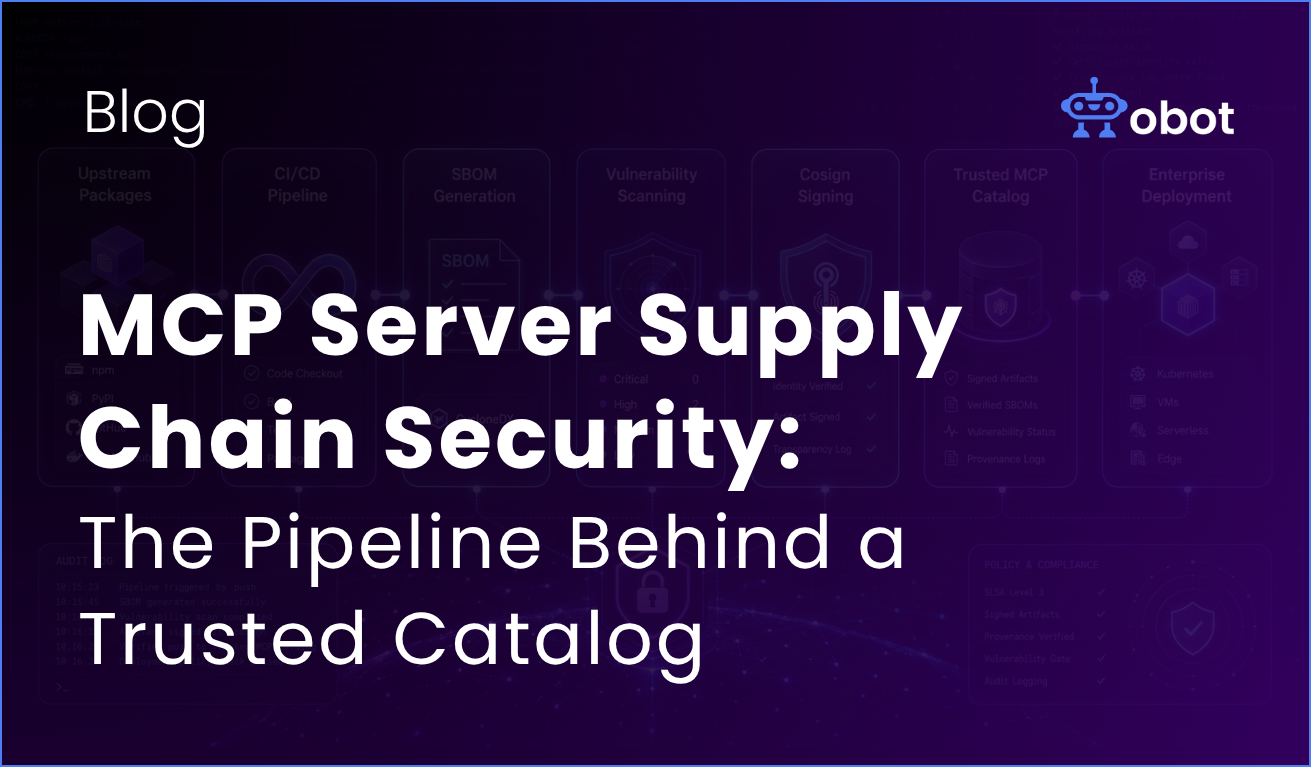
MCP supply chain security is the practice of controlling how MCP server artifacts are built, signed, scanned, and promoted before they reach end users. It treats every MCP server in your catalog as a production artifact — pinned to a specific version, built in CI, signed with a verifiable digest, scanned for vulnerabilities, and promoted only through a reviewed catalog change.
Spinning up an MCP server is easy. Pick an upstream package, point npx or uvx at it, hand the command to your client, and you’re calling tools in minutes. That’s a fine way to try MCP. It’s not how you should run MCP in production
This post walks through what a defensible MCP server supply chain looks like in practice. The workflows described here are drawn from Obot’s own public repositories — obot-platform/mcp-images and obot-platform/tools — which show how we manage the artifacts behind our MCP catalog. This isn’t a built-in product feature. It’s a reference pattern you can adapt for your own pipeline.
What is MCP Supply Chain Security?
In the Model Context Protocol, or MCP, that server is the connection layer between tools and AI workflows, and MCP security refers to protecting that layer because MCP servers bridge AI models with data sources and execution environments.
When you tell your client to run an MCP server via npx some-package or uvx some-package, here’s what’s really happening: every time that server starts, your client is downloading and executing whatever the upstream registry serves up at that moment. No version pinning. No review. No record of what code ran.
That’s fine for prototyping. It’s a problem the moment that server has access to anything that matters, because an MCP server often bridges AI assistants or an AI agent to external systems and external services, which makes it a high-value target:
You don’t know what version ran. If a tool misbehaves yesterday and you check today, the package may have changed under you.
You don’t know what’s inside it. Upstream packages have transitive dependencies. CVEs land. New maintainers come in. You inherit all of it, silently.
You can’t enforce policy. “Only run reviewed versions” is not a thing you can enforce when the runtime fetches whatever’s tagged “latest” — and it’s exactly the kind of gap enterprise MCP governance is meant to close.
You can’t roll back cleanly. When something breaks, “what changed” is a question your registry, not your team, gets to answer.
This is why MCP security matters: these servers can handle sensitive data, store API keys and cloud credentials, read corporate file systems, and execute code.
The fix isn’t more diligence at install time. It’s owning the artifact.
The Pattern: Treat MCP Servers Like Any Other Production Code
Every team that ships software in regulated environments already knows how to do this. You build artifacts in CI. You sign them. You scan them. You promote them through environments. You keep an audit trail. As mcp adoption grows, standardized governance becomes more important so each new server follows the same review, access, and logging rules.
MCP servers should get the same treatment — and like every other piece of enterprise MCP architecture, the cost of skipping it compounds with every new server you add, especially as security concerns increase with scale. Here’s what that looks like, stage by stage.
Building a trusted MCP catalog doesn’t need to start from scratch. Obot provides the governance, registry, and deployment foundation teams need to operationalize MCP securely, with a complete operational framework for access controls, usage permissions, and audit logging, so the result is approved mcp servers in a centralized catalog with defined scopes and auth methods. Explore Obot on GitHub.
1. Maintain an Approved Inventory
Start with a manifest that covers not just what you plan to publish, but also your existing MCP deployments across developer environments and other MCP environments. Every MCP server you intend to publish gets an entry — server name, upstream reference, package type (Node, Python, or container image), pinned version, and any dependency constraints.
Obot’s reference uses an images.yaml file for exactly this. The important detail is the pinning: avoid latest when you need reviewable upgrades. The Obot version-check workflow explicitly skips latest entries because there’s no fixed version to compare against. If you can’t see what changed, you can’t review it.
This manifest becomes the source of truth for what’s allowed in your catalog. Security teams should use it as the baseline inventory of legitimate tools and approved servers for monitoring and incident response, since MCP environments face unique attack patterns that exploit the protocol’s trust model. Everything downstream keys off of it — builds, scans, promotion, all of it.
2. Detect Upstream Updates Without Auto-Adopting Them
Upstream packages move. The question is whether your catalog moves with them by default or by decision.
The Obot reference uses a scheduled GitHub Actions workflow in mcp-images to check for upstream updates daily. It reads the manifest, builds a matrix of tracked Node, Python, and Docker entries, skips latest, and runs type-specific checks against npm, PyPI, or container registries. When a newer version shows up, the workflow updates the version field, creates a branch, opens a PR with the checker output, adds labels, and requests review.
The point isn’t the automation itself. It’s the architecture: upstream changes become PRs. PRs get reviewed. Reviews get approved or rejected. You end up with a clear audit trail of when a version moved and why — instead of “it just updated.”
3. Build the Artifact You’ll Actually Run
For servers distributed as npx or uvx packages, build them into an OCI image owned by your organization so you can run the process in an isolated container or sandbox and limit the blast radius of malicious code or remote code execution. For servers that already ship as container images, copy or retag reviewed upstream images into your own registry.
The principle is simple: build and scan the final artifact that will be referenced by your catalog, not the upstream source package. If you scan upstream and run the rebuild, you’ve scanned the wrong thing. The image your users actually pull is what matters. Vet any open-source or third-party MCP tool packages before repackaging to reduce the risk of hidden vulnerabilities or backdoors.
4. Sign and Attest
Once the image is in your registry, sign its digest with Cosign. Signatures aren’t decorative — they’re how you enforce admission policies at runtime. “Only run images produced by our trusted workflow” stops being a wish and becomes a check. That cryptographic verification should also extend to MCP protocol communications, with mcp messages sent over secured connections via HTTPS and TLS, plus certificate pinning where feasible. Signing also complements short-lived credentials and least-privilege policies by proving artifact integrity before deployment.
The Obot reference also generates an SBOM in the repackage workflow using Anchore’s SBOM action. An SBOM is a dependency inventory for the packaged image. You’ll want it the next time a CVE lands and someone asks, “are we affected?” Storing SBOMs alongside your build artifacts — or in a dependency tracking system — means you can answer that question without rebuilding every server in the catalog. Key practices here still include sandboxed execution and strict input validation.
5. Scan the Final Image
Scan what you’ll deploy, not the intermediate. The reference pipeline uses Trivy and uploads results as SARIF to GitHub code scanning, so vulnerabilities show up in the same place your team is already looking. Scanning should also cover security risks tied to package contents, including flaws that could enable prompt injection attacks or command injection. Strict input and output validation helps mitigate command injection and prompt poisoning in MCP servers.
Whether findings hard-fail the build or trigger manual review is a policy choice. Either way, the team has visibility into what’s in every catalog image — across every server, in one place. Those results should also feed continuous monitoring and the broader ai tools your team uses for vulnerability triage.
6. Promote Through the Catalog, Not the Runtime
This is the piece teams skip. After an artifact passes review, scanning, and signing, the way users see the new version should be a catalog change — not a runtime auto-update.
Treat your MCP catalog as the promotion gate. Each MCP deployment should be governed there, with records of which MCP client or server configuration is allowed to invoke which tools. Update the catalog entry to reference the approved image and version. Users only see a new server or version once that catalog change is reviewed and merged.
The Obot reference workflow can dispatch a repository event to obot-platform/mcp-catalog after a successful image build, which triggers a downstream catalog update PR. Once the new version is visible in Obot, admins can quickly select and update deployed instances. Structured audit logs should capture the full context of each tool call. Agent behavior drives autonomous runtime decisions, which makes MCP governance different from standard API governance. Catalog promotion becomes the natural trigger for patching what’s actually running, and the control that keeps unauthorized tools from appearing in the catalog.
Try Obot today — the open-source MCP gateway. Self-hostable, MIT licensed, full audit trail at every tool call.
What Security Controls Should Sit on Top of an MCP Supply Chain Pipeline?
The pipeline above gets you the spine. These are the defense-in-depth controls that turn it into something a security team will sign off on for MCP server security while reducing MCP risks:
PR review for new servers, version bumps, environment variable changes, requested credentials, and exposed tools. The review should look at the catalog entry as a security artifact, not just a config change, including checks on tool metadata, tool descriptions, and tool parameters to catch tool poisoning, malicious instructions, and behavioral subversion before approval. This is the same lens your security team will apply before approving MCP in production.
Identity controls that tie MCP security to IAM: enforce least privilege with granular capability scopes, use short-lived service accounts for production agents and server-to-server flows, apply role-based and attribute-based policies, review permissions regularly, and require Human-in-the-Loop approval for sensitive actions.
Branch protection and required status checks on the catalog repository. The promotion gate is only as strong as what gets enforced before merge.
Registry admission policies that require signed images from your trusted workflow. Cosign signatures don’t help if nothing is checking them. This is one of the things to look for when evaluating an enterprise MCP gateway.
Automated dependency updates for packages and base images, so the manifest doesn’t quietly drift.
Protocol-level enforcement that inspects every MCP request, monitors MCP traffic, and keeps context-rich logs for each tool invocation so teams can detect privilege escalation and the confused deputy problem early.
Runtime controls — access control rules, audit logs, request and response filters, and MCP server egress restrictions — sitting in front of every server the catalog deploys, with policy checks designed to stop attackers access, data exfiltration, unauthorized execution, prompt injection, and session hijacking before a call reaches downstream systems and weakens your security posture amid the broader security challenges common to MCP.
Do Remote MCP Servers Need Supply Chain Controls?
Not every MCP server is one you build yourself. Plenty of useful servers are remote, hosted by a vendor or another team, accessed over HTTP, and never pulled into your registry. Even then, they still sit in the same client-server architecture, where the MCP client sends requests to a remote server that may broker access to a cloud service or other external systems.
The supply chain pattern still applies, just at a different layer. Validate the vendor or internal deployment pipeline. Document the remote endpoint. Untrusted servers can aggregate credentials for multiple enterprise services and become a single point of failure if compromised. Use access controls, allowlists, and audit logs to limit exposure. You don’t get to scan their image, but with an MCP proxy you can still control who reaches it, what gets called, and what comes back.
The same core principles also apply: the only servers in your catalog should be ones you’ve reviewed, and that review should cover allowed external services, handling of cloud credentials, and defenses against indirect prompt injection, where attackers hide malicious commands in connected systems that the AI later executes through the MCP server.
How You Perceive the Threat Defines the Next Step
Running npx some-mcp-server is the MCP equivalent of curl | bash, and in production it creates broader MCP security challenges by skipping the normal system integration review, security controls, and deployment workflows. It’s fine for a demo. It’s not a foundation.
The shift is treating MCP servers as production artifacts: pinned, built, signed, scanned, and promoted through a catalog you control. None of the individual pieces are exotic — your platform team is already doing this for the rest of your stack. Extending it to MCP is mostly a matter of deciding the catalog is the gate, and then wiring the pipeline (and the gateway in front of it) to make that gate real. As AI assistants gain access to more enterprise workflows, weak supply chain review can also let approved-looking servers expose poisoned tool descriptions that alter agent behavior.
That’s the architecture that needs to be in place before your MCP footprint grows past the point where you can fix it by hand. Security researchers have documented these issues in real MCP deployments, which is why this shift matters.
Obot is an open source MCP gateway that handles auth, access controls, governance, and the catalog layer that makes a supply chain pipeline like this useful in the first place.