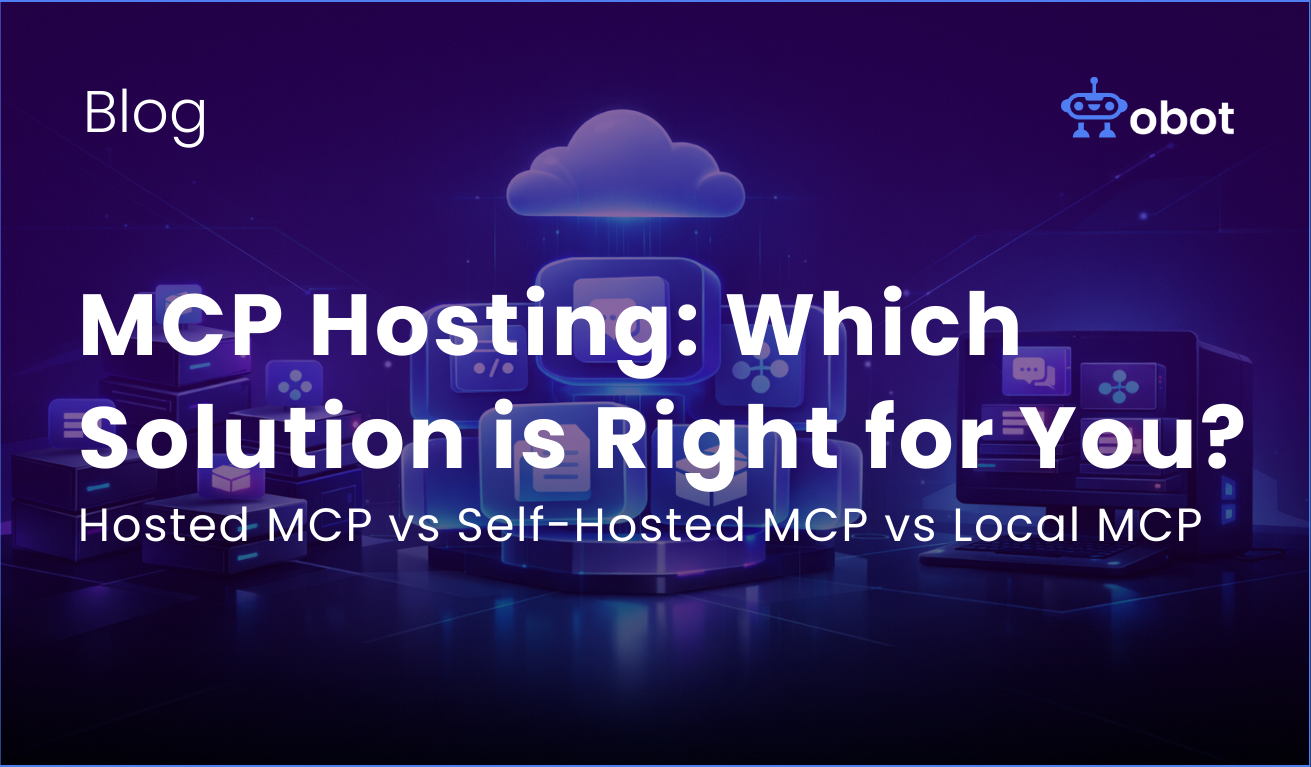
Model Context Protocol (MCP) servers are becoming more and more popular. And as adoption grows, an important architectural question starts popping up: Where should you actually run your MCP servers?
There are many options like a hosted MCP service run by a 3rd party, self-hosted in your own infrastructure, or you can keep it “simple” and run everything locally. There isn’t any correct answers to this, but I wanted to go through this and look at the pros and cons.
In this article, I break down each option to evaluate and go through the advantages and tradeoffs. But remember: everything depends on what stage you are in, your team, how critical the security is, etc.
⬇️ Download the Obot open-source gateway on GitHub and begin integrating your systems with a secure, extensible MCP foundation.
Hosted MCP
When it comes to “Hosted MCP”, it means that the solution is hosted by a third party. You can connect to this service with your AI clients list Claude, Cursor, etc. They handle and manage the infrastructure, so you don’t have to worry about this. This means that you don’t have to manage servers, you don’t have to patch vulnerabilities, and you don’t have to think about uptime: This is what you pay that third party to do for you.
Advantages
The biggest advantage of using hosted MCP is speed. You can get started right away, and you don’t have to worry about infrastructure or configurations. This option is especially attractive for smaller teams, prototyping, experimentation, or teams without a dedicated DevOps resource.
Hosted solutions also reduce operational overhead. Scaling, monitoring, and updates are handled for you. If your goal is to validate an idea quickly, hosted MCP is often the fastest path.
Hosted MCPs makes particularly good sense when it is a first party offering from a SaaS provider you already use, or similar. For example, if GitHub hosts a GitHub MCP, DigitalOcean hosts a MCP server, or Linear hosts a Linear MCP, you are not really introducing a new party into your architecture, you’re using the official integration layer from the vendor itself. In those cases, hosted is often the cleanest and simplest option.
Tradeoffs
The tradeoff is control: Your data flows through someone else’s infrastructure. Even with strong guarantees and contracts, some organizations are simply not comfortable with that.
If the hosted MCP is operated by a separate third party (not the SaaS vendor itself), you are introducing another actor into your data path. That is not necessarily wrong, but it should be a conscious decision when thinking about things like security and who data is shared with.
You also depend on the vendor’s roadmap, uptime, and pricing model. For internal tools, this may be fine. But for regulated industries, or security-sensitive environments, it might not be.
Self-Hosted MCP
Self-hosting means running MCP servers in your own cloud, or datacenter. You control the infrastructure, you manage deployments, and you define security boundaries.
Advantages
The biggest benefit of self-hosted MCP is ownership. You can decide where the data lives, the network access, and you can enforce strict compliance requirements.
Self-hosting is often preferred when security and compliance is critical, when you need deep integration with your internal systems, and if you have a DevOps resource you can use. This option also gives you a lot of architectural flexibility: You can design scaling and isolation exactly the way your organization needs.
Self-hosted MCP servers also work well as centralized endpoints for accessing internal data and systems. Instead of letting multiple AI tools integrate directly with internal services, MCP becomes a controlled gateway.
This option gives you architectural flexibility. You can design scaling, isolation, logging, and security exactly the way your organization needs.
Tradeoffs
With self-hosting, you now have all the responsibility of uptime, scaling, patching, and monitoring,. This can be a big task if your team is small: For smaller teams, it can become a distraction from actually building useful tools.
Self-hosting gives control, but it also requires discipline and the likelihood of a lot more work.
Local MCP
A local MCP runs directly on a developer’s machine. This means that there is no shared infrastructure, no centralized deployment, etc. Everything is just local tooling.
Advantages
You can do quick experiments this way. Spinning up a server is almost instant, and you can connect to tools without waiting for approvals or configurations from an admin.
Local MCP is great for prototyping, tool development, personal workflows, and early experimentations. It removes almost all friction since it’s just locally on your computer.
Local setups make the most sense when the MCP needs access to local resources. This can be resources like the local filesystem or other workstation specific data. In those cases, running locally is not just convenient, it is necessary.
Tradeoffs
Local setups do not scale across teams, and the configurations for your team can become inconsistent. What works on one developer’s computer may not work for everyone else.
Security will also not be the same for all team members. Using local MCPs can be powerful, and it certainly has it’s place. But it’s not recommended for an organizational strategy.
You can try to think that if you have a solution that requires access to your local filesystem, or local resources on your computer, go for local. Otherwise, it would be recommended to use a self-hosted or hosted solution.
What Most Teams Actually Do
In reality, many teams move through these stages over time. It’s typically a try and fail thing.
They start locally to experiment, then move to hosted MCPs for simplicity. And sometimes, as MCP becomes more critical, they adopt self-hosted infrastructure for control and security.
The real decision isn’t about infrastructure preference, it’s about what bottleneck you’re trying to remove.
If your bottleneck is speed -> hosted or local wins. If your bottleneck is compliance or control -> self-hosted wins.
Choosing the Right Approach
If you’re just getting started, I would suggest that you try to optimize for learning. The whole system of MCPs can become very complex, and you don’t want to introduce unnecessary complexity before it’s needed.
Things can always be adjusted down the road, so as MCPs becomes a more central part of your organization, try to revisit your architecture and see if and how things can be optimized.
Using MCPs is meant to simplify how things are integrated. That’s why the hosting strategies for your MCPs should simplify your organization, not slowing it down by adding more complexity.
Obot MCP Gateway gives you secure, production-ready MCP hosting without the operational overhead — so your tools work everywhere, not just locally. Try our Obot MCP Gateway or get in touch with one of our experts to discuss how Obot can help securely manage and scale your organization’s MCP strategy.