
Best MCP Gateway Tools: Top 5 in 2026
What Is an MCP Gateway Tool?
MCP gateways act as centralized, secure intermediaries between AI agents and Model Context Protocol (MCP) servers, allowing organizations to manage, authenticate, and audit tool usage at scale. Key tools and platforms include Obot, Microsoft MCP Gateway, and Docker MCP Toolkit.
An MCP gateway tool is a reverse proxy that sits between AI agents (or LLM applications) and MCP servers. Its role is to handle how requests move between these components without requiring changes to either side. It manages session lifecycle, routes traffic to the correct backend server, applies security controls, and provides visibility into system behavior.
Unlike traditional APIs, MCP is session-based, meaning interactions persist across multiple requests. The gateway maintains this state by assigning session IDs and ensuring all related traffic is routed consistently. It also supports streaming communication using Server-Sent Events (SSE), allowing responses to flow continuously between servers and agents.
In This Article:
Why MCP Gateway Tools Matter
MCP gateway tools address the operational and infrastructure challenges that appear when AI agents and MCP servers are deployed in real environments. They centralize control, improve reliability, and make systems easier to scale and manage.
Key functions include:
- Centralized access control: Authenticate agents and enforce permissions at the tool level.
- Session management at scale: Maintain persistent, stateful sessions and route requests to the correct backend.
- Rate limiting and cost control: Limit tool calls, sessions, and resource usage to prevent overload and manage costs.
- Observability and auditing: Track session metrics and log tool interactions.
- Secure credential handling: Inject backend credentials at the gateway so sensitive data is not exposed to agents.
- High availability and scaling: Distribute load, monitor server health, and handle failover.
How MCP Gateway Tools Work
An MCP gateway operates as a layer 7 proxy that sits in the request path between AI agents and MCP servers.
- The interaction starts when an agent sends a request to initialize a session. The gateway creates the session, assigns a session ID, and routes the request to the appropriate MCP server based on predefined rules.
- Once the session is established, the gateway handles authentication and authorization. It verifies the agent’s identity and checks whether it has permission to access specific tools or servers.
- If the interaction requires streaming, the gateway sets up a server-sent events (SSE) connection and maintains it throughout the session.
- When the agent invokes a tool, the gateway forwards the request to the correct MCP server. It can apply rate limits, log the interaction, and enforce policies during this step.
- The MCP server processes the request and streams the response back through the gateway, which can inspect or modify the data before returning it to the agent.
- The gateway also manages session affinity, ensuring all requests in a session go to the same backend instance.
- When the session ends, it cleans up resources and records metrics such as duration, errors, and tool usage.
Use Cases of MCP Gateway Tools
Managing Enterprise AI Assistants
Organizations use MCP gateways to manage internal AI assistants such as coding tools, analytics agents, or support bots. The gateway acts as the control layer that determines which tools each assistant can access and under what conditions. This is important when different agents operate on sensitive systems, such as databases or internal APIs, where strict access boundaries are required.
The gateway also enforces compliance policies by inspecting tool calls and restricting actions that violate rules. For example, it can prevent an assistant from accessing restricted datasets or executing high-risk operations. All interactions are logged, allowing teams to audit behavior, trace issues, and meet regulatory requirements.
Another benefit is operational scalability. Instead of embedding security, routing, and monitoring logic into each MCP server, these concerns are centralized in the gateway. This allows teams to scale backend MCP servers independently while maintaining control over how agents interact with them.
Multi-Agent Systems
In systems where multiple AI agents run in parallel, the MCP gateway ensures that each agent operates within its own isolated context. It maintains separate sessions for each agent and maps those sessions to the correct backend services. This prevents state leakage and ensures that one agent’s actions do not interfere with another’s.
The gateway also coordinates how shared resources are accessed. When many agents attempt to call the same tools, the gateway can apply rate limits and distribute load across multiple MCP server instances.
In more complex setups, different agents may have different roles and capabilities. The gateway enforces these distinctions by applying per-agent routing and authorization rules. For example, one agent may only retrieve data, while another can modify it.
Secure Access to Internal APIs and Databases
MCP gateways provide a secure boundary between AI agents and internal systems such as databases, file systems, or private APIs. Instead of exposing these systems directly, all access flows through the gateway, which enforces authentication and authorization policies before forwarding requests.
A critical feature is credential injection. The gateway attaches the necessary credentials when communicating with backend systems, so agents never handle sensitive information like API keys or database passwords. This reduces the risk of leaks and simplifies credential management.
The gateway can also restrict actions at a granular level. For example, it can allow read-only queries while blocking write operations, or limit access to specified datasets.
Tool Orchestration Across Domains
In many deployments, MCP tools are distributed across multiple servers, each responsible for a specific domain such as databases, file storage, or external APIs. The MCP gateway acts as the coordination layer that routes requests to the appropriate server based on the tool being invoked.
The gateway can apply rules that determine how different tool calls are handled, including load balancing across multiple instances of the same service. It can also maintain session continuity even when interactions span multiple domains.
By centralizing orchestration, the gateway allows teams to build modular systems where each MCP server focuses on a specific function. Agents interact with a unified interface, while the gateway manages request distribution, session management, and policy enforcement across underlying services.
Notable MCP Gateway Tools
1. Obot

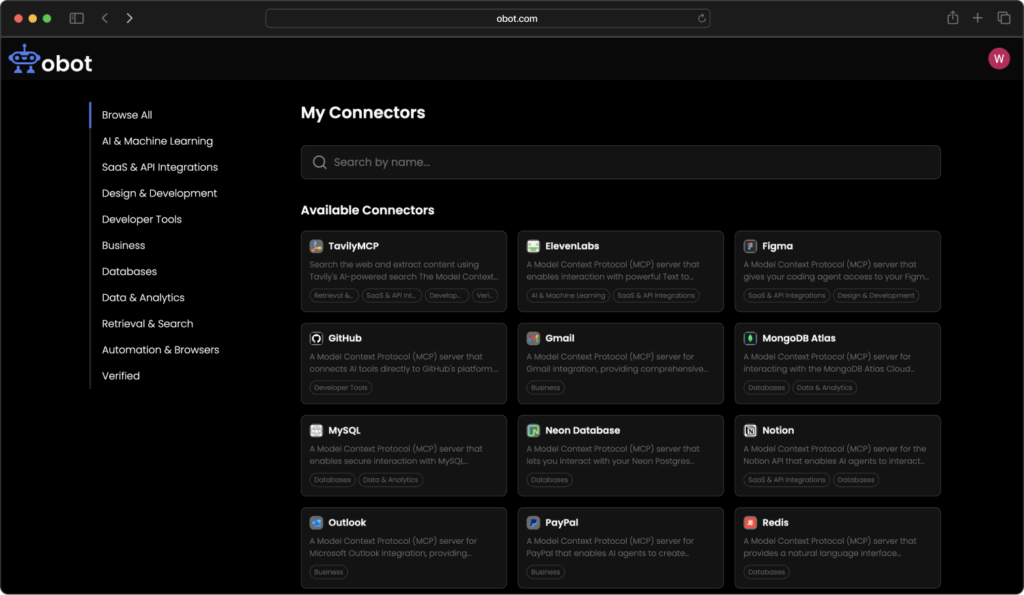
Obot is an MCP-native gateway and orchestration platform designed to manage how AI agents interact with tools, APIs, and internal systems. It provides a unified control layer for routing MCP requests, enforcing security policies, and coordinating tool execution across distributed environments.
Unlike traditional gateways that focus primarily on traffic routing, Obot emphasizes agent-to-tool orchestration, making it easier to define how agents discover, select, and invoke tools within MCP-based workflows. It integrates session management, policy enforcement, and observability into a single system, allowing teams to operate MCP infrastructure with greater control and flexibility.
Key features include:
- Agent-centric tool orchestration: Enables structured workflows where agents can dynamically discover and invoke tools based on context, rather than relying on static routing rules.
- Session-aware request handling: Maintains persistent MCP sessions and ensures consistent routing across multi-step interactions.
- Built-in policy enforcement: Applies authentication, authorization, and usage constraints at the tool and agent level.
- Unified gateway and orchestration layer: Combines routing, tool management, and execution logic into a single platform, reducing architectural complexity.
- Observability and audit logging: Tracks tool usage, session activity, and agent behavior for monitoring and compliance.
Source: Obot
2. Microsoft MCP Gateway
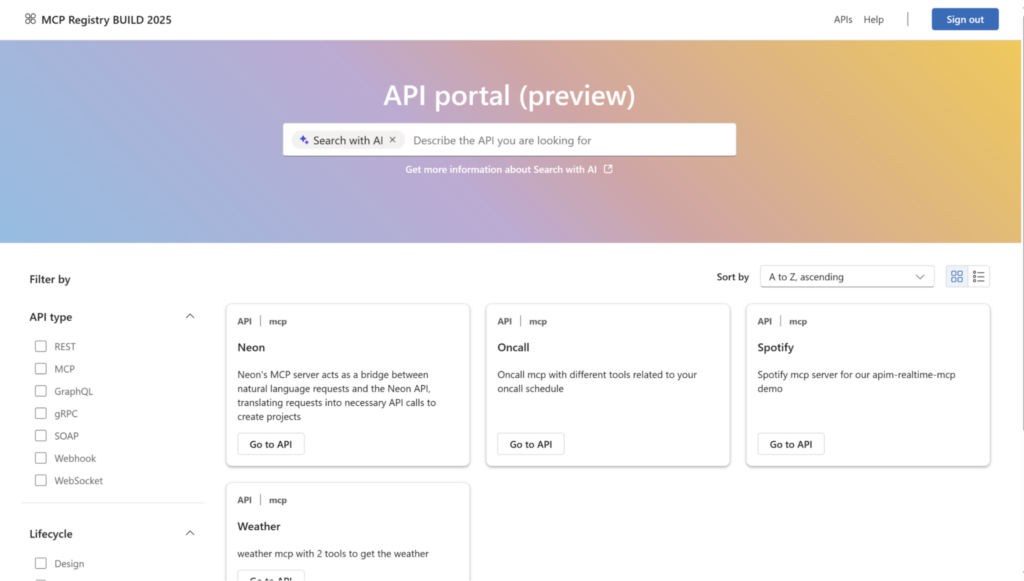
Microsoft MCP Gateway is a Kubernetes-native gateway and management layer that operates MCP servers at scale. It separates responsibilities into a control plane for managing servers and tools, and a data plane for routing live MCP traffic. The gateway maintains session-aware routing, ensuring requests within the same session are handled by the same backend instance.
Key features include:
- Session-aware stateful routing: Maintains session affinity by ensuring all requests with the same session_id are routed to the same MCP server instance.
- Control plane for MCP server management: Provides REST APIs to manage MCP servers, called adapters, including deployment, updates, deletion, status checks, and log access.
- Tool registration and lifecycle management: Allows developers to register tools with metadata such as input schemas, execution endpoints, and deployment configuration. Tools can be listed, updated, monitored, and removed via APIs.
- Dynamic tool routing via tool gateway router: Uses a specialized MCP server that acts as a router. It inspects incoming tool requests and forwards them to the correct backend service based on tool definitions.
- Unified routing entry point: Supports direct routing to specific MCP servers, /adapters/{name}/mcp, and dynamic routing through the tool gateway, /mcp.
Source: Microsoft MCP Gateway
3. Docker MCP Gateway
Docker MCP Gateway is a lightweight gateway built into the Docker MCP toolkit that simplifies running, managing, and connecting MCP servers using containerized infrastructure. It operates as a unified access layer where AI clients connect to a single gateway instead of individual MCP servers.
Key features include:
- Container-based MCP server execution: Runs each MCP server inside its own Docker container, ensuring isolation and limiting host-level access.
- Unified gateway interface for clients: AI clients connect to a single MCP gateway instead of multiple servers.
- Docker CLI integration (Docker MCP): Provides a CLI plugin to manage the MCP workflow, including running the gateway, configuring servers, calling tools, and inspecting resources.
- Profile-based server organization: Groups MCP servers into profiles that act as reusable configurations. Profiles can be created, shared, exported, and connected to clients.
- Dynamic tool discovery: Detects available tools, prompts, and resources from running MCP servers.
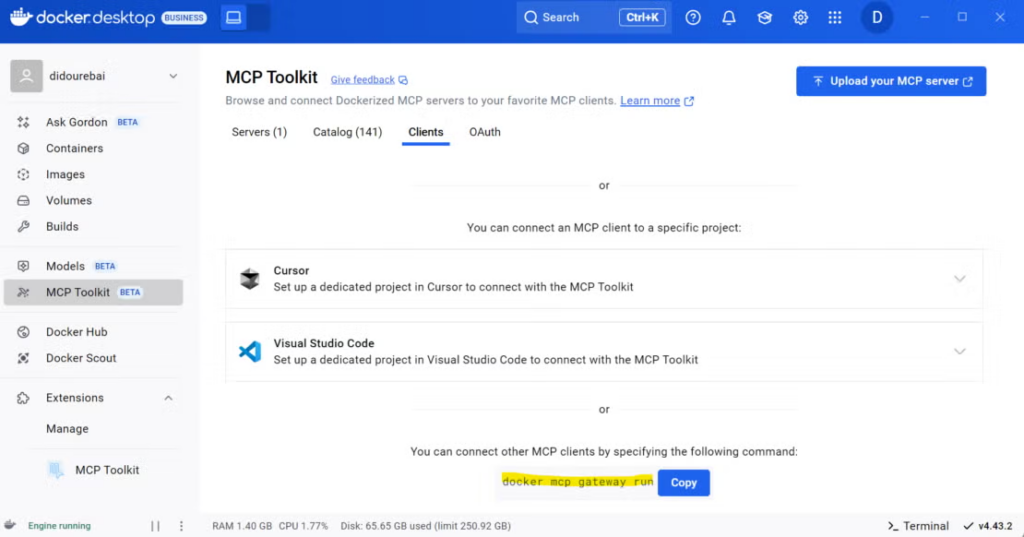
Source: MCP Gateway
4. Traefik MCP Gateway
Traefik MCP Gateway is a policy-driven gateway that sits between MCP clients and MCP servers, combining traffic routing with fine-grained access control and observability. It acts as both a data plane and control layer, enforcing task-, tool-, and transaction-level permissions (TBAC) while maintaining session-aware routing for long-running agent workflows.
Key features include:
- Task, tool, and transaction-based access control (TBAC): Enforces least-privilege access by evaluating policies based on agent identity, task context, tool usage, and transaction details.
- Fine-grained policy scoping: Policies can restrict access at multiple levels, including database, schema, table, API route, and operation type, read or write.
- Dynamic policy evaluation with runtime context: Injects JWT claims and MCP request attributes into policy logic at runtime, enabling context-aware authorization decisions.
- Centralized secrets management: Keeps credentials out of agent code by managing them within the gateway.
- Policy guardrails at the edge: Applies safeguards such as rate limits, concurrency controls, time-based restrictions, and query pattern validation before requests reach backend systems.
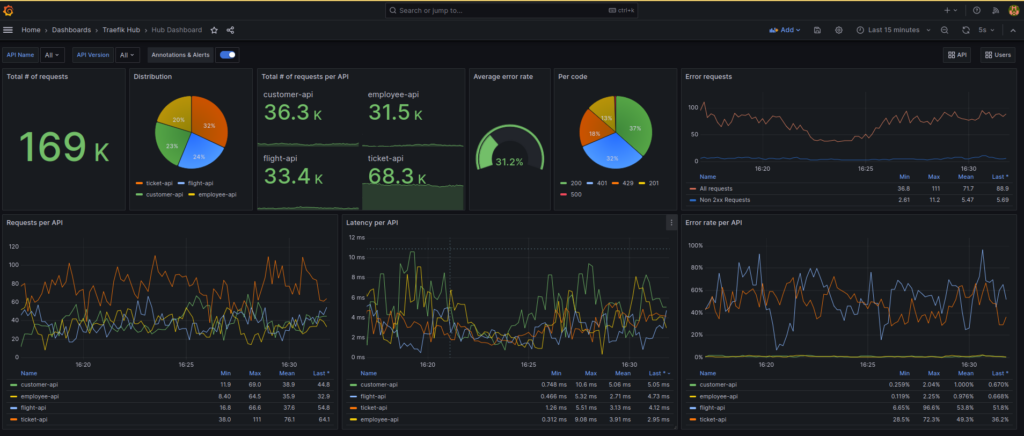
Source: Traefik MCP Gateway
5. MCP Manager
MCP Manager is a gateway that simplifies and secures the deployment of MCP servers in production environments by combining centralized control, access governance, and built-in observability. It acts as a control layer between AI systems and business infrastructure, allowing teams to provision MCP servers while enforcing runtime guardrails, role-based access control, and data protection policies.
Key features include:
- Centralized visibility and control: Provides a unified view of how AI systems access MCP servers, tools, and data.
- MCP server provisioning: Enables teams to deploy and configure MCP servers without manual setup.
- Role-based access control (RBAC): Enforces permission-based access so users and agents can only interact with approved MCP servers and capabilities.
- Runtime guardrails: Applies controls during execution to limit unsafe or noncompliant behavior.
- PII detection and data protection: Identifies and helps protect sensitive data such as personally identifiable information during MCP interactions.
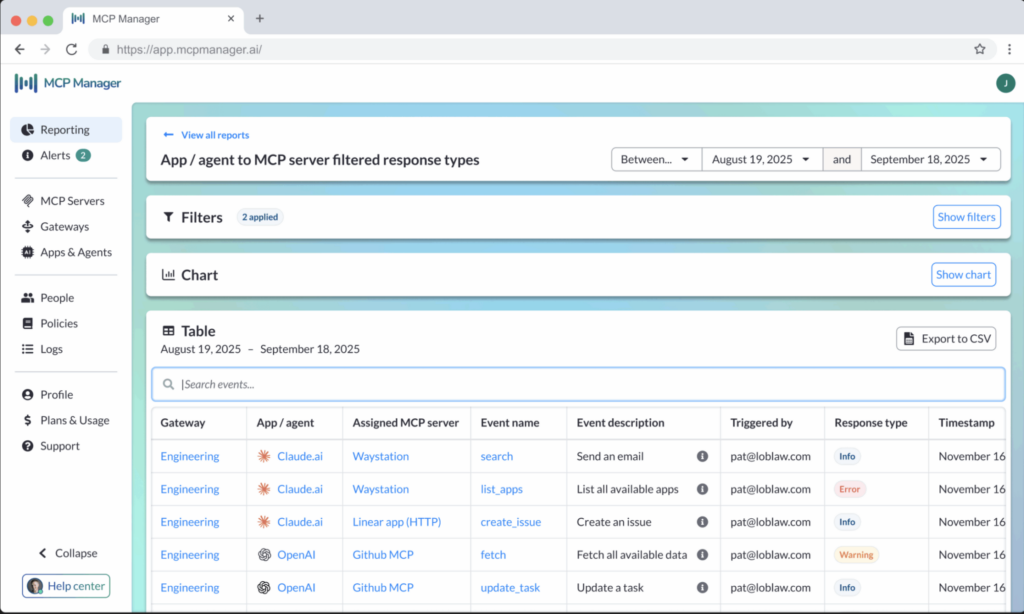
Source: MCP Manager
Conclusion
MCP gateway tools provide a critical control layer for managing how AI agents interact with external tools and services. By centralizing routing, security, session management, and observability, they reduce complexity and improve the reliability of MCP-based systems. As AI applications scale and involve multiple agents and data sources, gateways become essential for enforcing policies, protecting sensitive systems, and maintaining consistent, auditable operations across distributed environments.