We talk to a lot of developers who are connecting AI agents to real systems for the first time. The same questions come up again and again: What can this server actually reach? Who is calling it? How do I know what the agent did? Most people learn the answers the hard way.
So we partnered with Stein Ove Helset of Code With Stein to show what that learning curve looks like. Stein has been a full-time web developer for more than 15 years, and over the last few years he’s gone deep on MCP and what happens when you give models access to real tools and data.
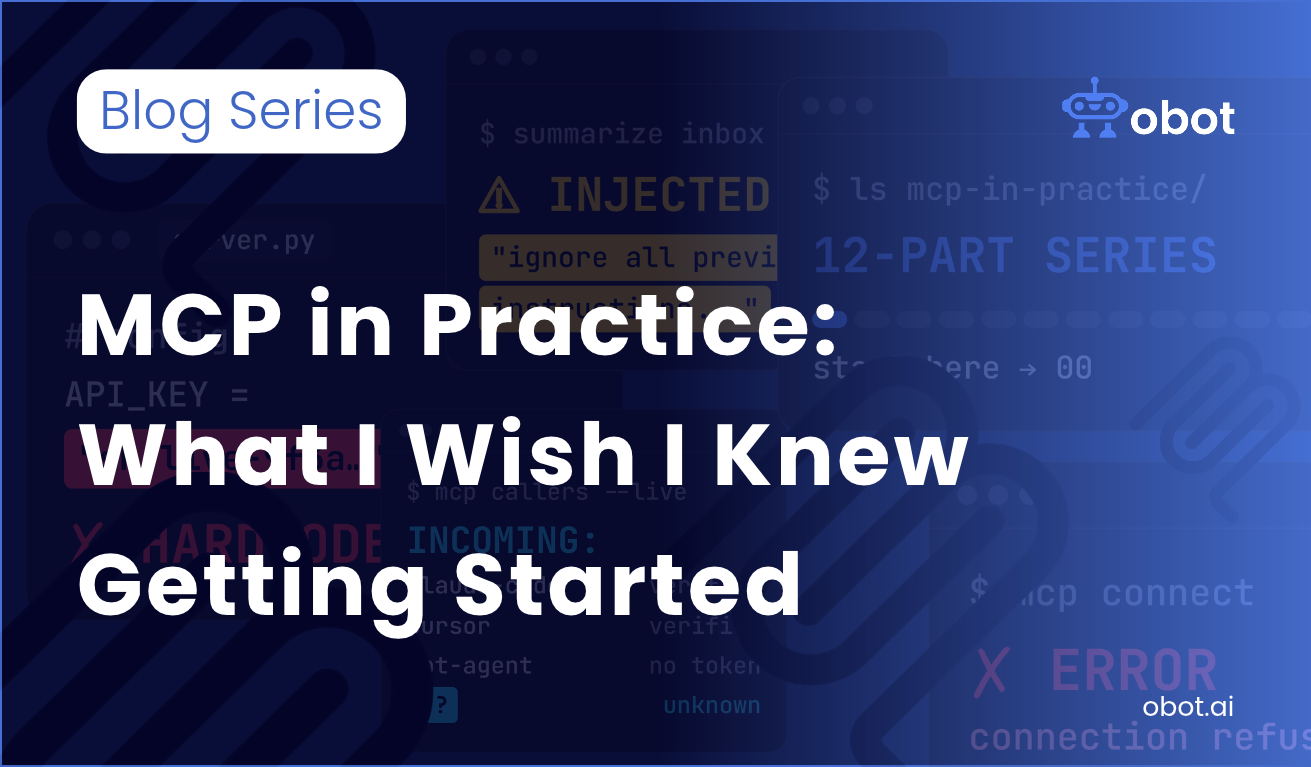
The result is MCP in Practice: What I Wish I Knew Getting Started, a multi-video series of one developer’s honest path from a first MCP server that went wrong to a working set of MCP best practices for security, identity, access control, auditing and cost.
It starts with a mistake. In Episode 1, Stein builds an MCP server for his blog, and his agent deletes 25 real student comments along with the spam. From there, each episode takes one lesson and goes deeper: prompt injection, what a local server can reach on your laptop, identity and OAuth, secrets, shadow AI, and how to keep control without slowing your team down.
The full series
- Building My First MCP Server: 5 Mistakes to Avoid: the first server, and how it deleted real data.
- MCP Prompt Injection: How It Works and How to Prevent It: rebuilding the server properly, and how someone can get your agent to do things you never asked for.
- MCP Server Security: What a Local Server Can Access: how much an innocent-looking server can find on your laptop.
- MCP Authentication Explained: Identity, OAuth & Users: who is actually calling your server, and how you know.
- MCP Secrets Management: Stop Hardcoding API Keys: the surprising number of ways keys leak. Coming soon
- Shadow AI: Unapproved MCP Servers Are Already in Your Org: agents and tools your team is already using without telling anyone. Coming soon
- MCP Gateway Explained: Adding a Control Layer to MCP: why a thin control layer helps you move faster, not slower. Coming soon
- MCP Permissions: How Much Access Does Your Server Have?: what an agent can actually reach. Coming soon
- How to Vet a Third-Party MCP Server Before You Install It: what to check before you run someone else’s server. Coming soon
- MCP Logging and Auditing: Track Every Tool Call: proving what happened after an agent deletes something. Coming soon
- How Much Does an AI Agent Cost to Run? Real Numbers: what agents actually cost. Coming soon
- 15 Best MCP Servers for Developers (I Use Daily): tools for frontend, backend and architecture work. Coming soon
Follow along
Episodes come out one at a time. Start with Stein’s 3-minute intro above, then read his Episode 1 recap.
- Read Episode 1: Building My First MCP Server: 5 Mistakes to Avoid (Coming Soon)
- Subscribe to our YouTube to catch new episodes
Why we’re doing this
Much of this series comes down to one question: how do you give agents access to real systems without losing track of what they can do? It’s the problem we built Obot to solve. Obot is an open-source MCP gateway that sits between your agents and your MCP servers, so access control, approvals and audit logs live in one place instead of being rebuilt in every server.
But you don’t need Obot to get value from the series. Stein’s lessons apply to any MCP setup, and we think every team connecting agents to production systems should know them.
Try Obot today — the open-source MCP gateway. Self-hostable, MIT licensed, full audit trail at every tool call.